Database studio – your databases in the browser, no phpMyAdmin
Browse and fix data, run SQL queries, upload and download copies – in one tool for MySQL, MariaDB and PostgreSQL. You sign in with your panel account, with no separate database password.
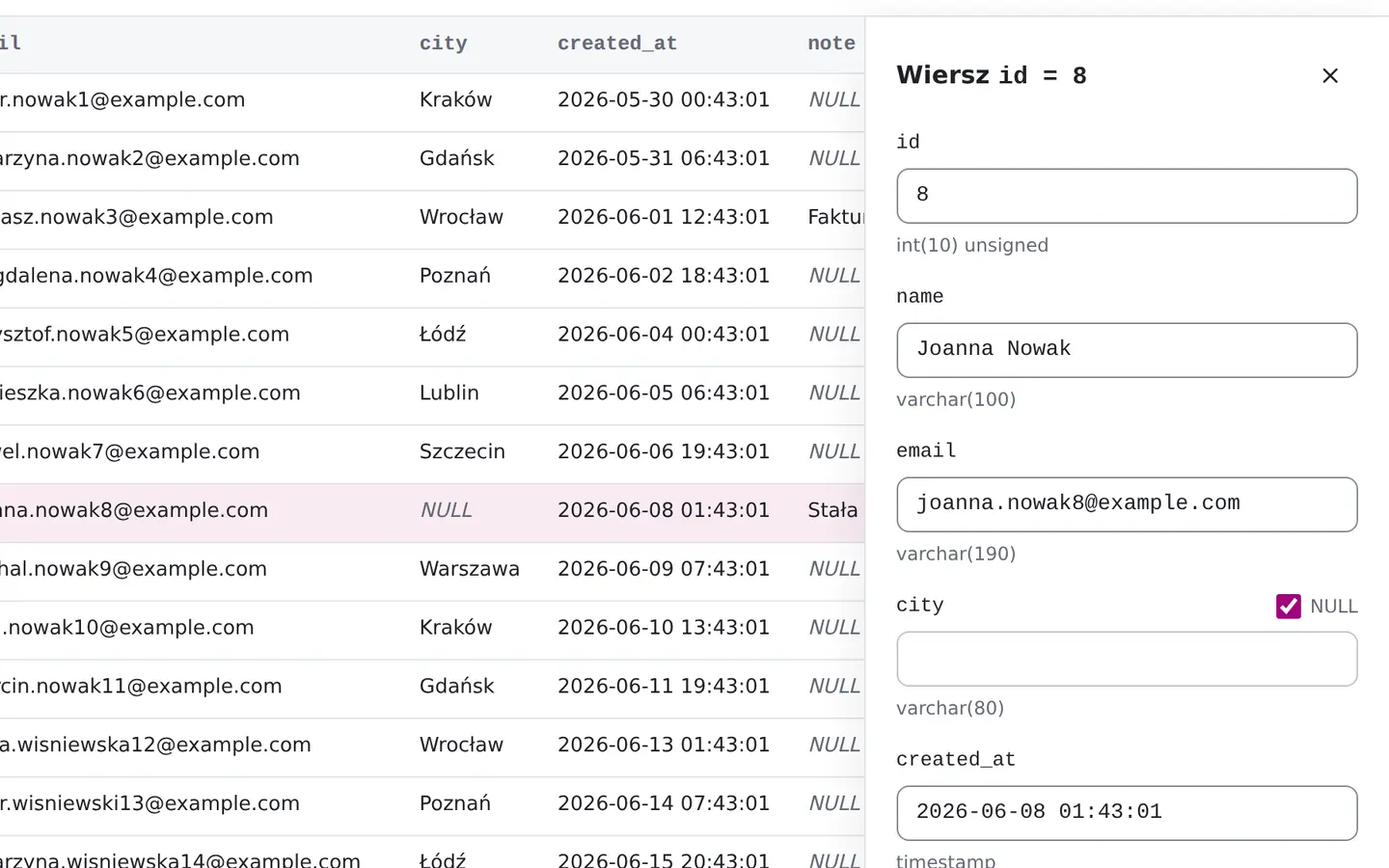
What the studio looks like
Real screens on the sample databases of an online shop.
What you can do in the studio
Browse and fix data
Filter rows, pick columns, add and fix records. Search for a text in every table of the database at once.
Write SQL queries
The editor starts reading only. Before you drop a table or change all its rows, it says how many rows that touches and asks first.
Upload and download databases
Import .sql, .sql.gz and .zip files up to 2 GB, rows from a CSV file into a table, and download the database as .sql.gz – whole or chosen tables.
Restore backups
Restore an automatic backup as a new database – the current one stays as it is – or in its place. You can also clone a database for testing.
Change the structure
Create tables, add columns and indexes. Before saving you see the SQL statement the studio will run.
See what loads the database
The current connections, with ending a stuck one, the database's growth over 30 days, and a health grade with hints.
How the database studio works
You open the studio at db.hosteam.pl and sign in with the same account as the customer panel. It shows the databases of every hosting service you can reach – including the ones someone shared with you.
You type no database password. For the time you work in the studio we create a separate, temporary database login that is gone when the session ends. Your site keeps connecting with its own password, so nothing in its configuration changes. Someone who can only view a service in the panel can read its data in the studio, but not change it.
How is it different from phpMyAdmin?
The studio handles MySQL, MariaDB and PostgreSQL in one place – you need no separate phpMyAdmin and pgAdmin. The first screen shows what is used most: data, SQL queries and backups. What is needed less often – table structure, statistics, external access – sits one level deeper. A change to a table’s structure, and a statement that deletes data or changes every row, is shown to you first and waits for your confirmation.
The database studio comes with every hosting plan
Sign in with your customer panel account – your databases are already there.
See the hosting plans